Rails UI in the AI era
AI writes your Rails code. Rails UI makes it a product.
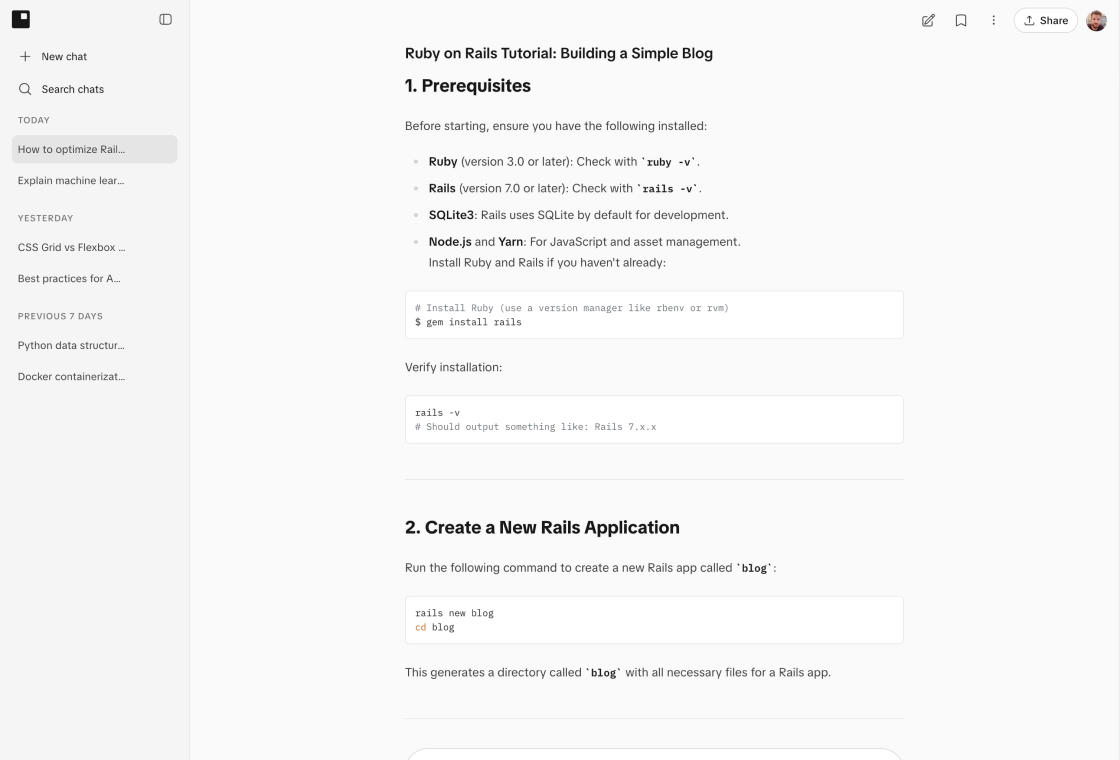
AI can scaffold an app in an afternoon. It still leaves the gap between working and shippable: consistent screens, real UX states, and Rails-native polish. Rails UI is the product layer that closes it, for you and your AI.



The shift
The hard part was never typing the code. It is the product judgment that makes a hundred screens feel like one team built them.
Where AI stops
AI changed how fast you can write Rails. It did not change what a finished product needs. A model generates one screen at a time from one prompt, so you get code that runs but an app that drifts: mismatched spacing, missing empty and error states, settings and billing screens that never got built, and a dashboard that looks nothing like the onboarding flow.
Where Rails UI starts
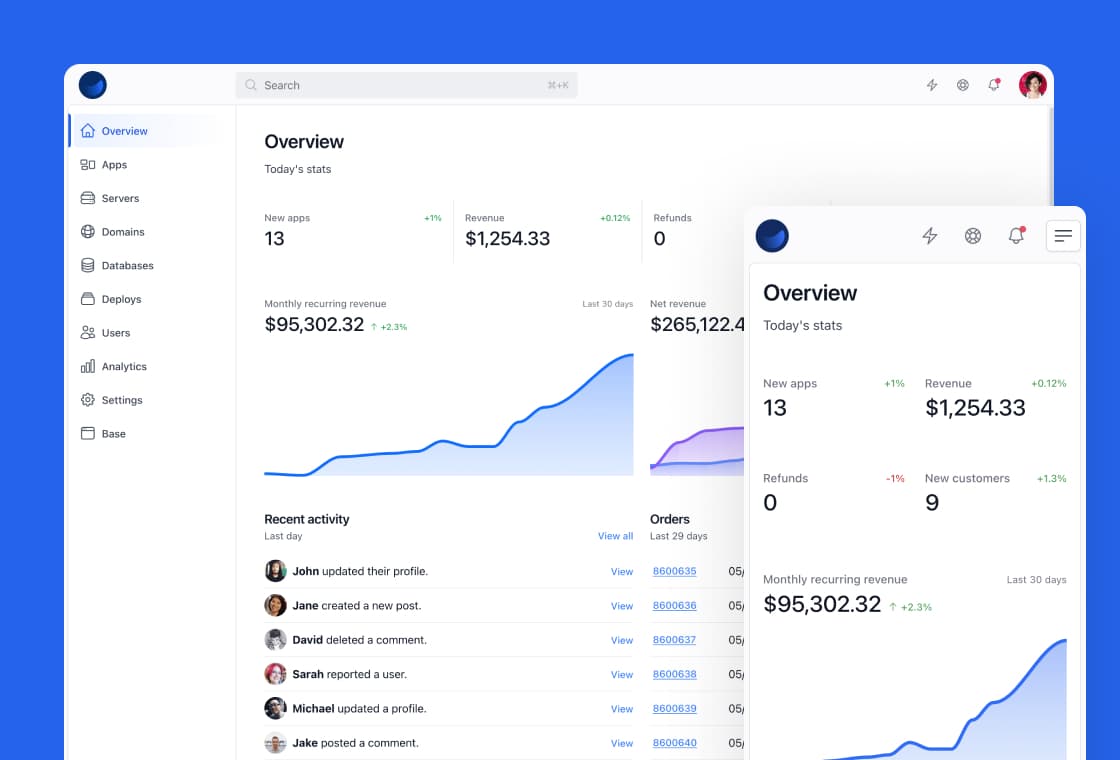
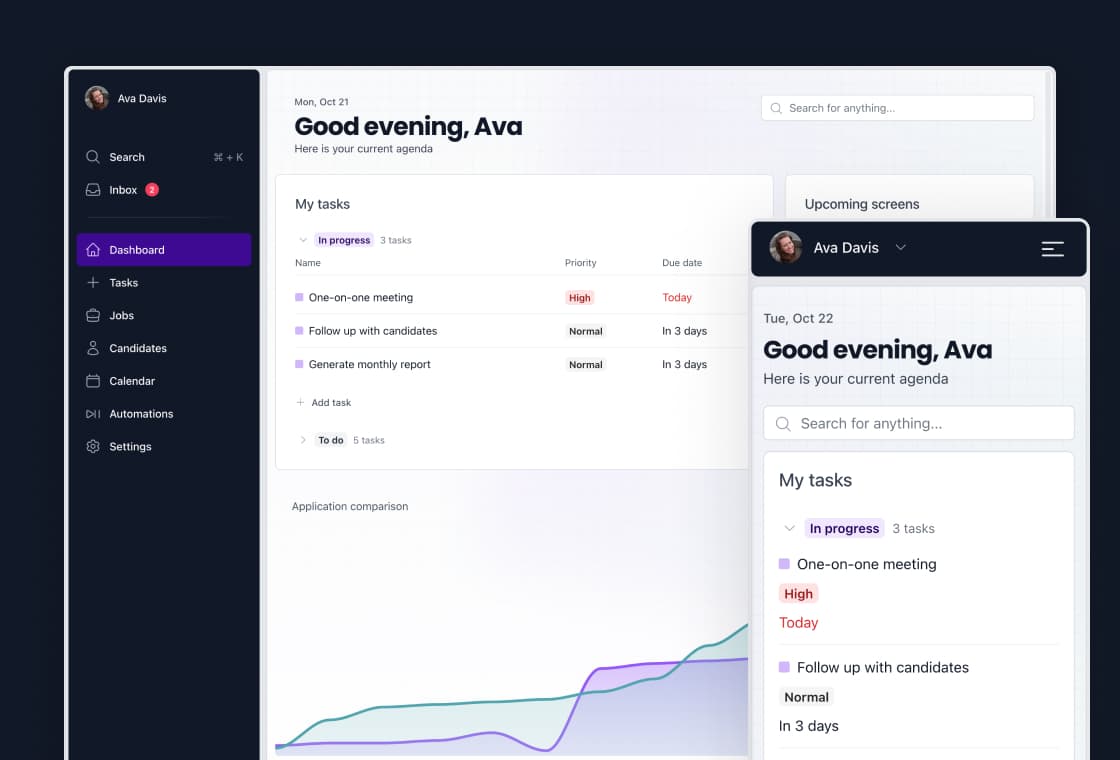
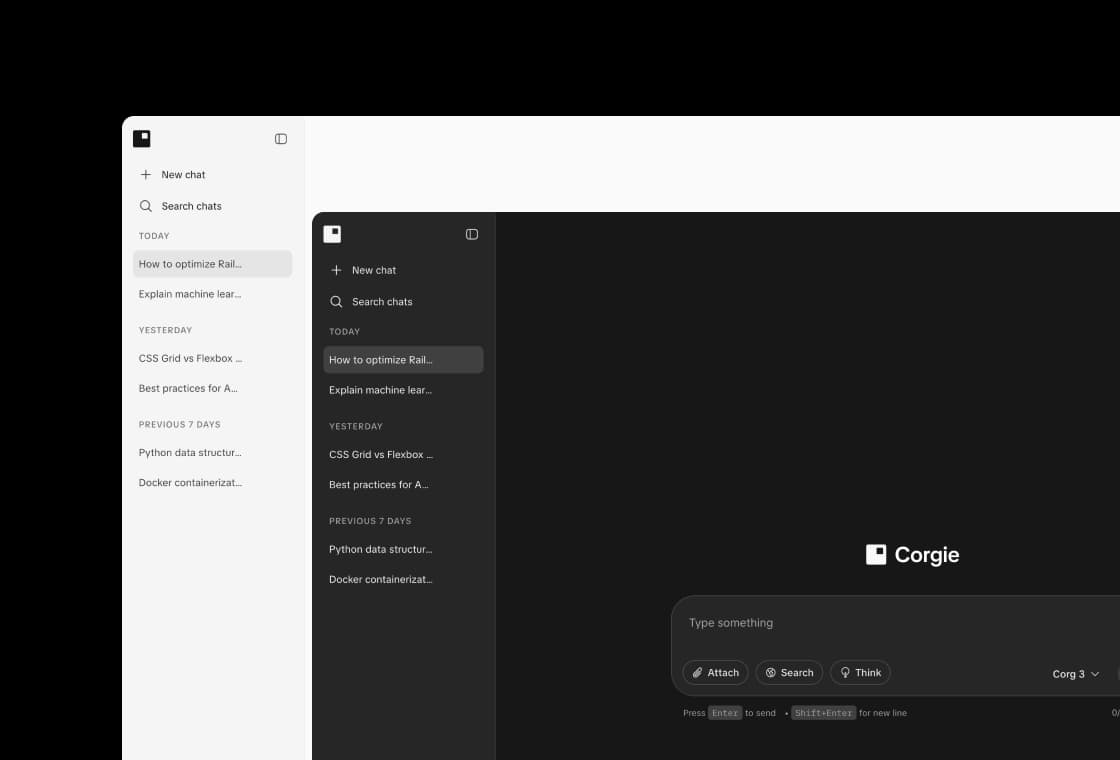
Rails UI gives you that judgment as a system: real app kits, a Rails-native component library, and a shared design language. Point your AI at it and the code it writes inherits the same structure, the same components, and the same polish, every time.
What AI is good at
AI is genuinely great at the mechanical parts of building a Rails app:
- Scaffolding models, migrations, and controllers
- Wiring up routes, queries, and business logic
- Writing tests and refactoring existing code
- Explaining unfamiliar code and fixing errors
- Turning a clear spec into a working first draft fast
Use it. It removes hours of boilerplate, and it keeps getting better.
What AI still misses
Ask an AI for a settings page and you get something that works. Ask it for the twentieth screen of a coherent product and the cracks show:
- Consistency across screens. Each prompt starts fresh, so spacing, components, and tone drift apart.
- UX states. The happy path is easy. Empty, loading, error, and permission states are where products feel real, and they get skipped.
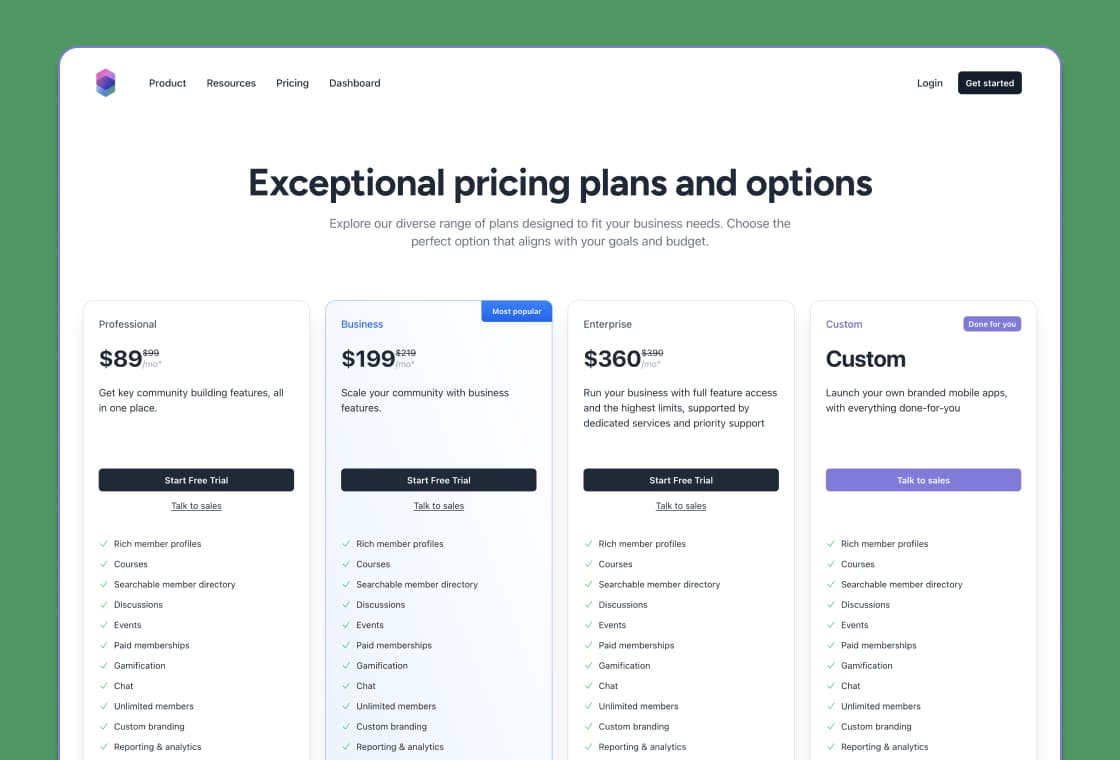
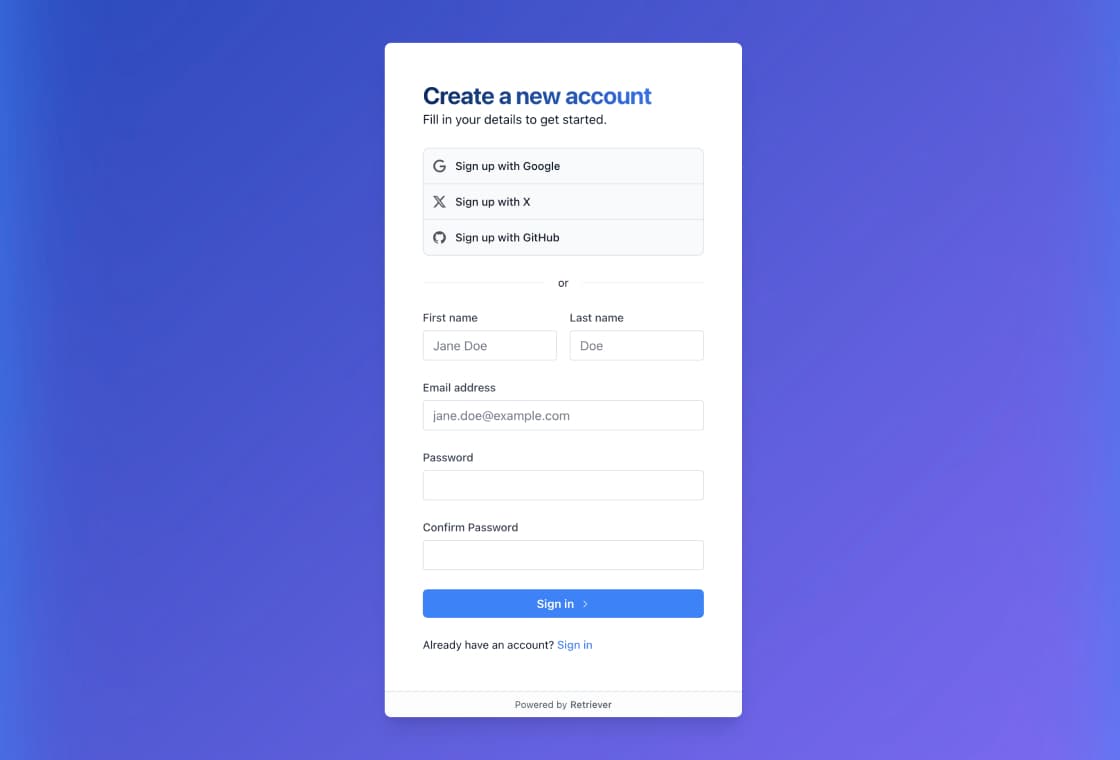
- The unglamorous screens. Onboarding, billing, team settings, and transactional email rarely get built well, and they are what users pay for.
- Rails conventions. Generated UI often ignores ERB partials, the form builder, and Hotwire, so it fights the framework instead of using it.
- Product judgment. Hierarchy, density, and flow are design decisions a model cannot infer from a single prompt.
None of this means AI is bad. It means a fast first draft is not a finished product.
How Rails UI helps
Rails UI is the product foundation your AI is missing. It gives every screen the same starting point.
App kits
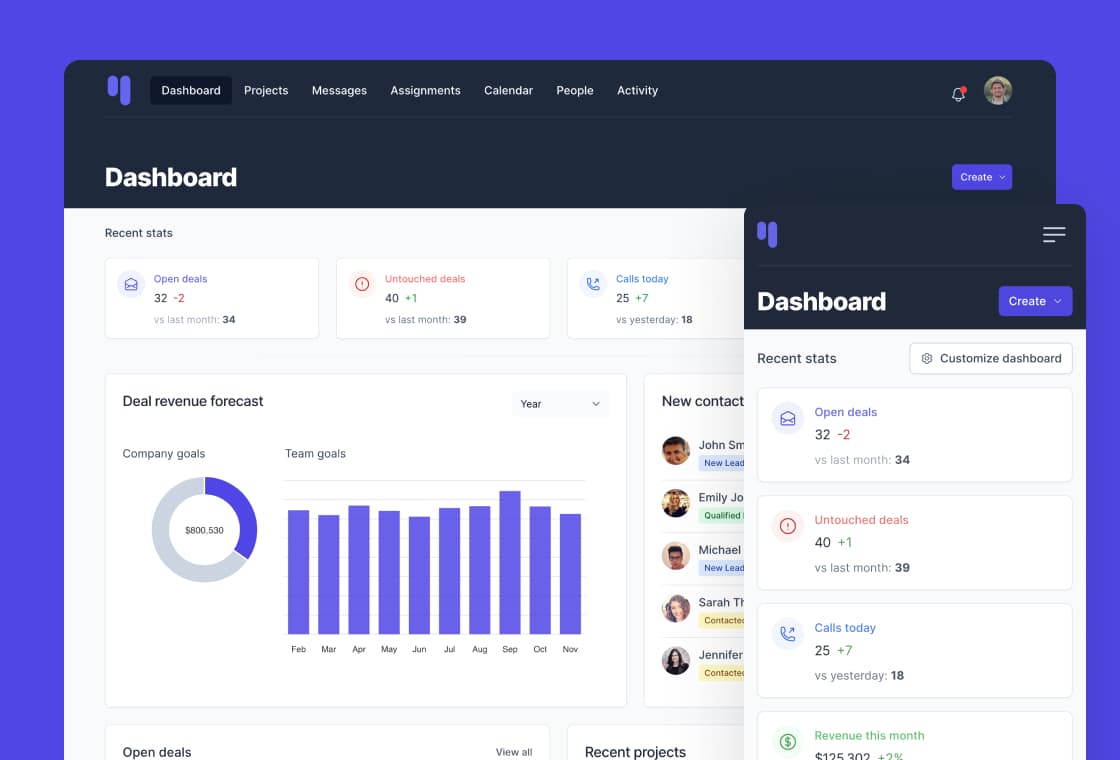
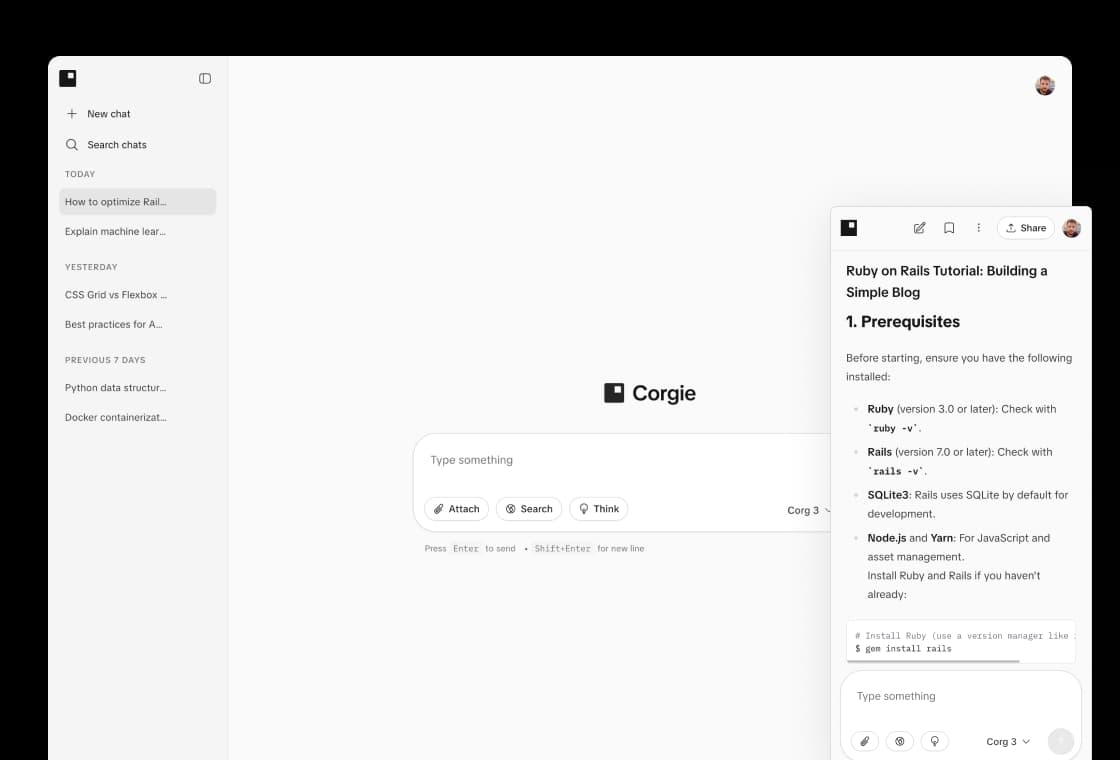
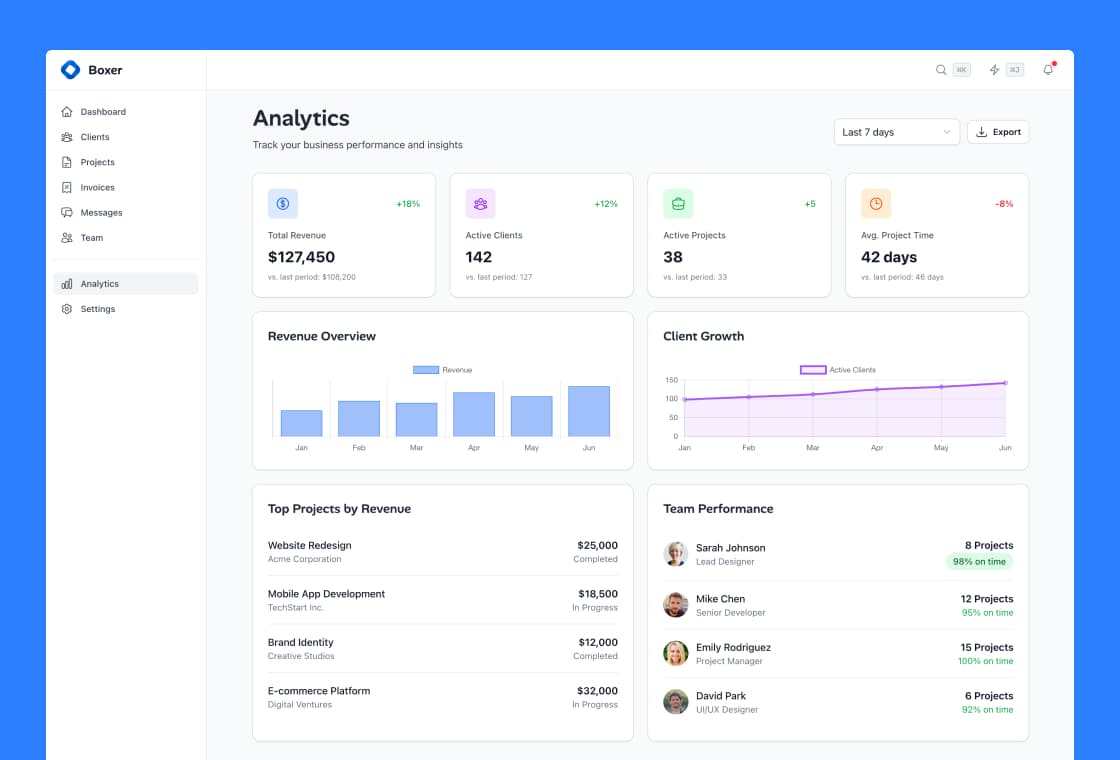
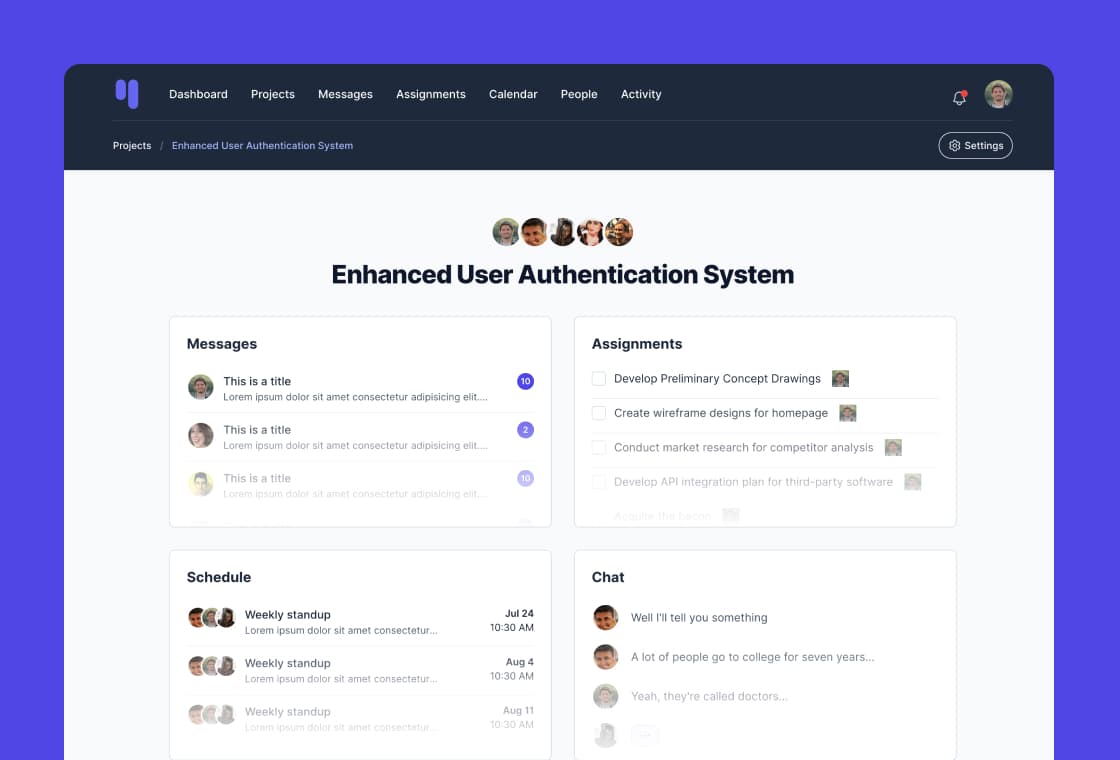
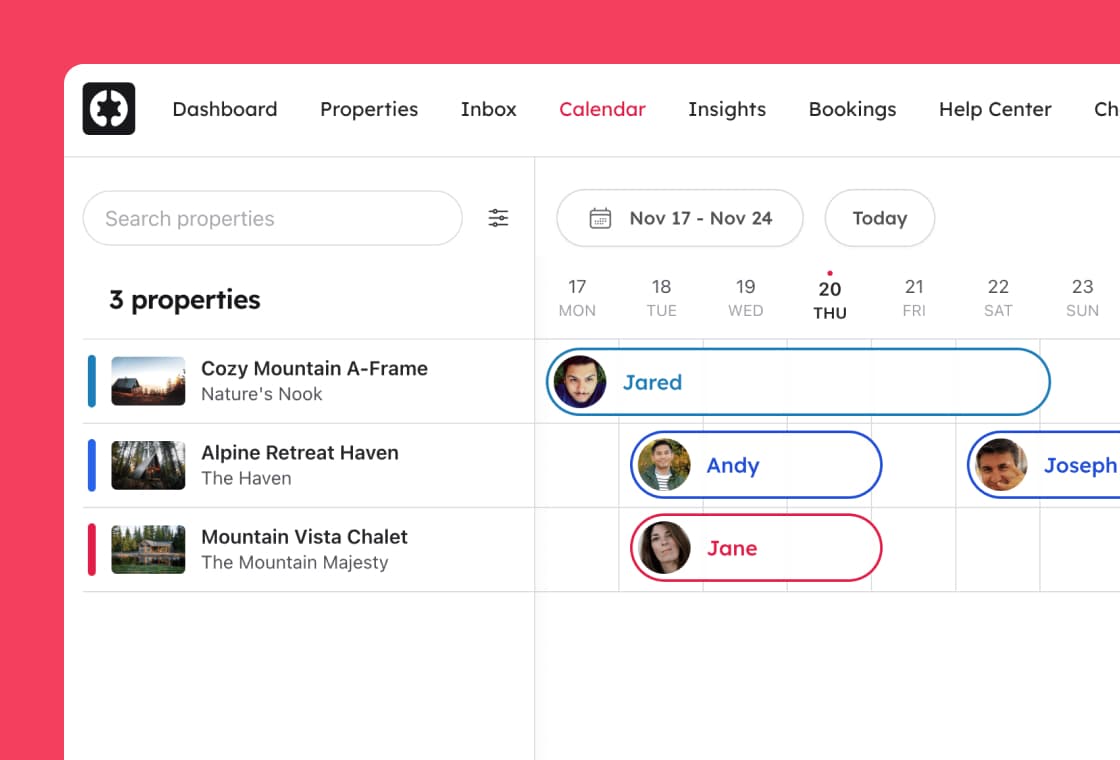
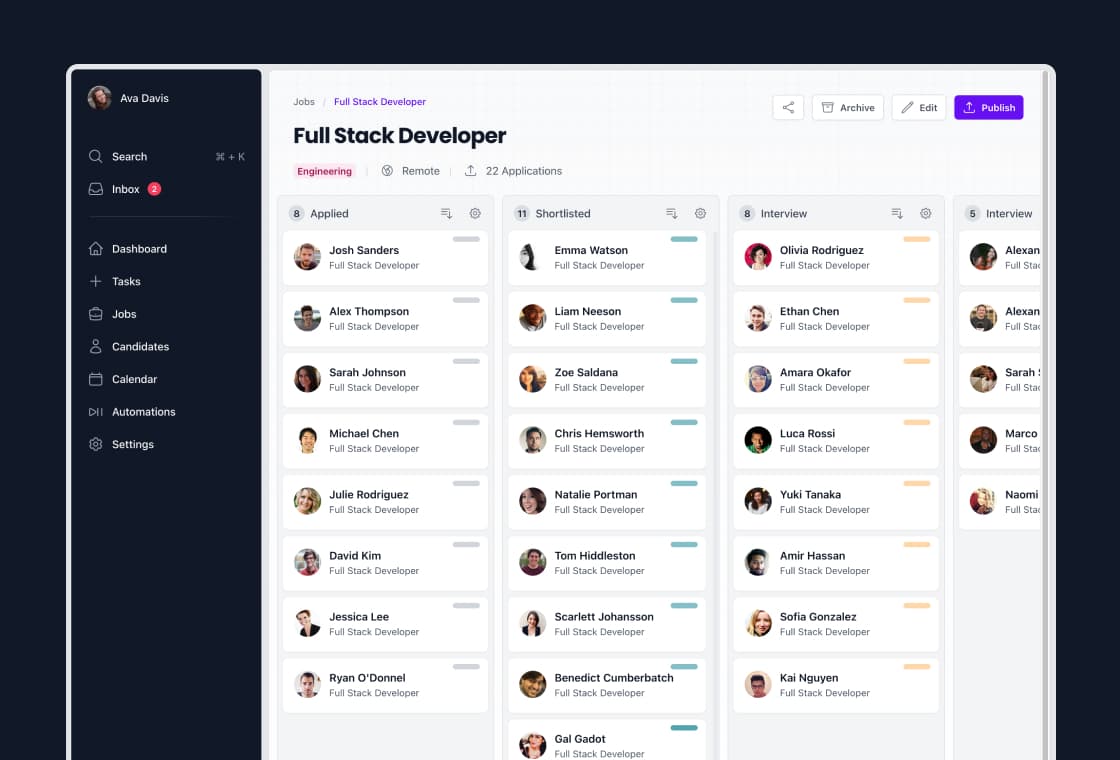
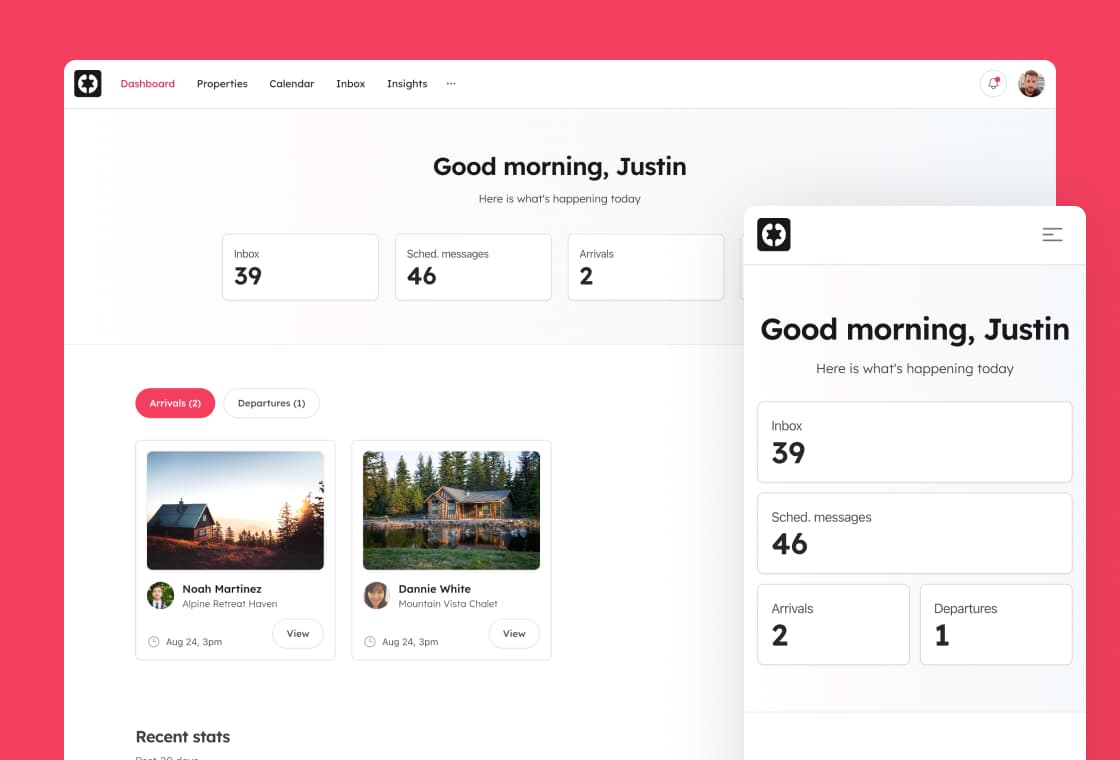
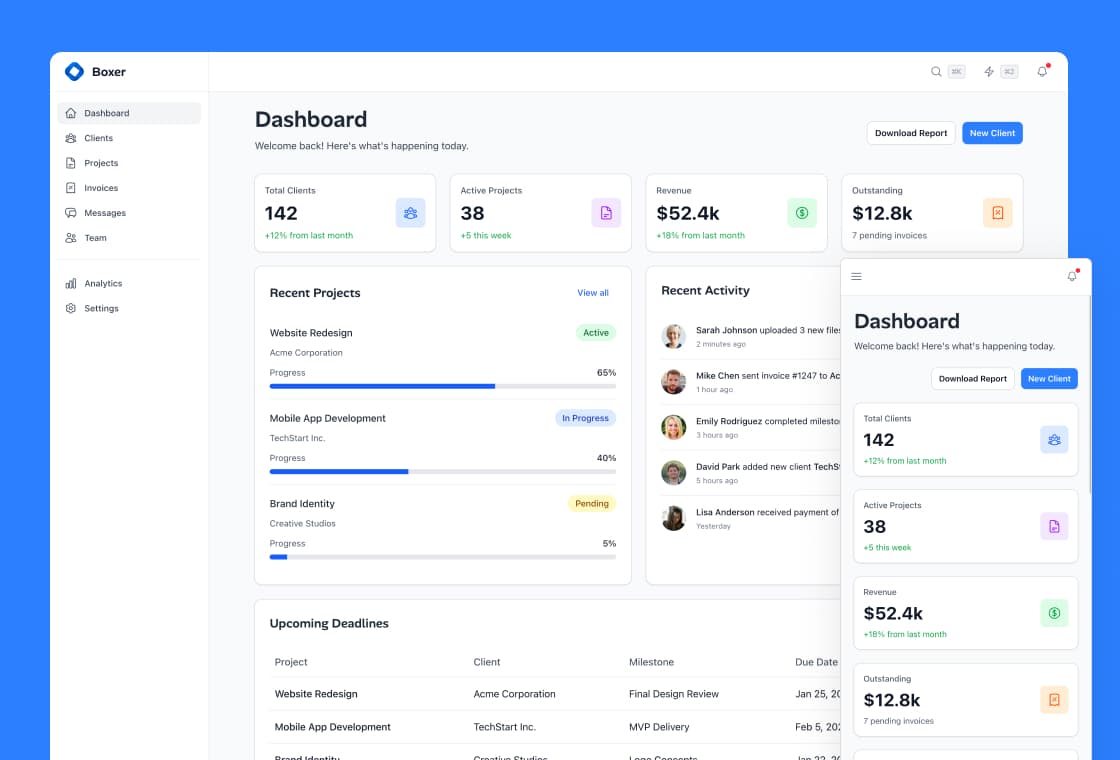
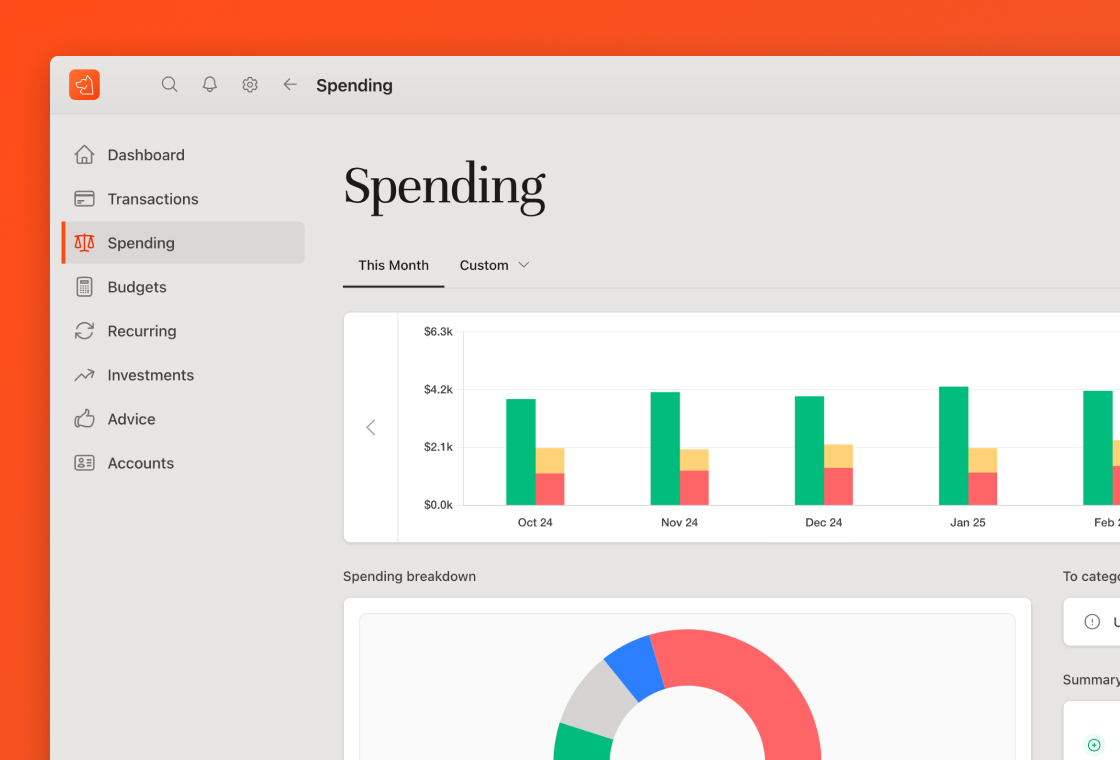
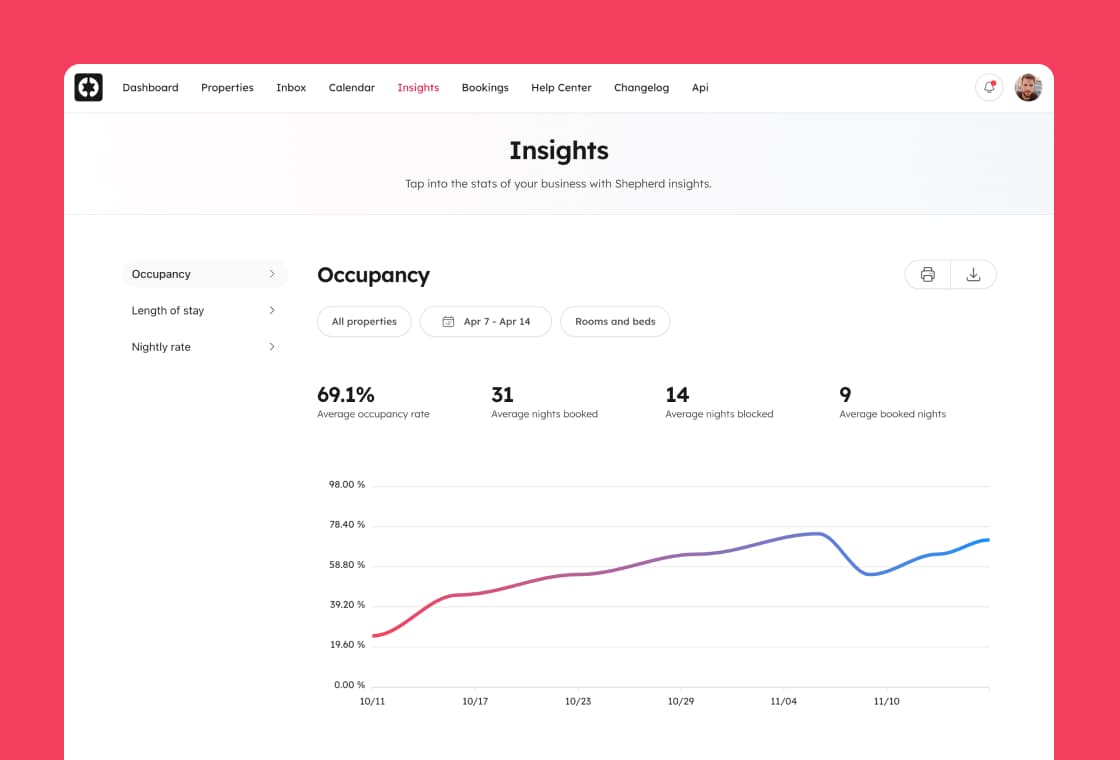
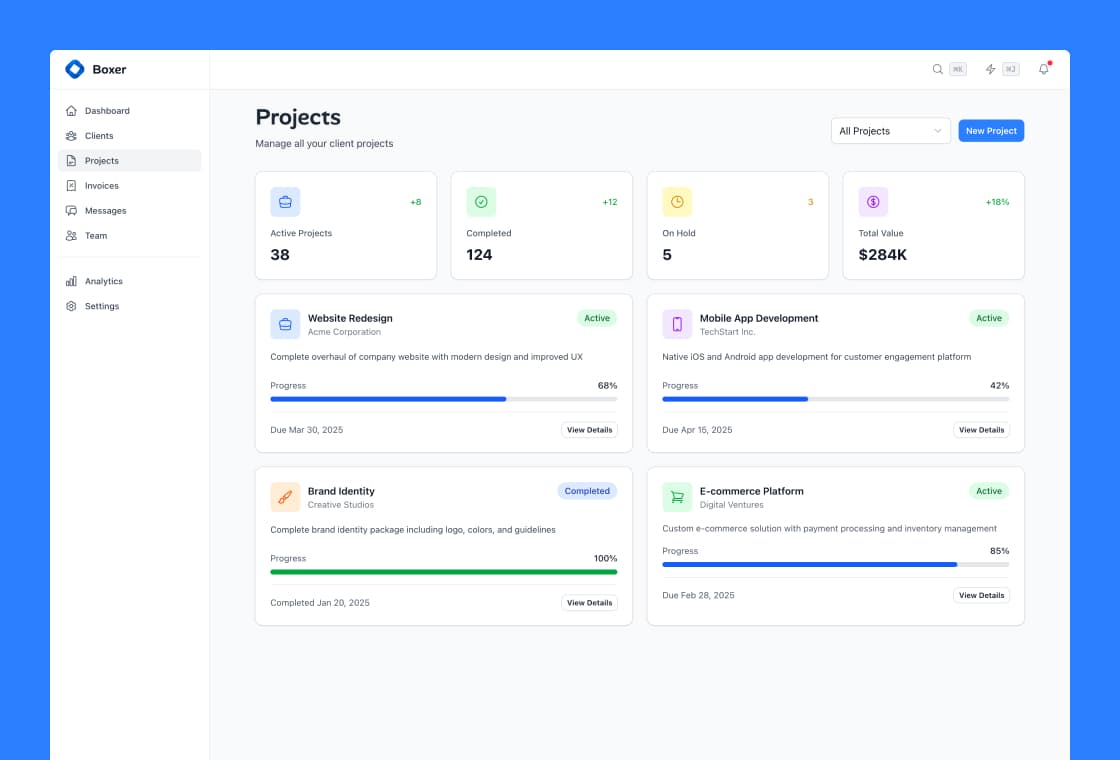
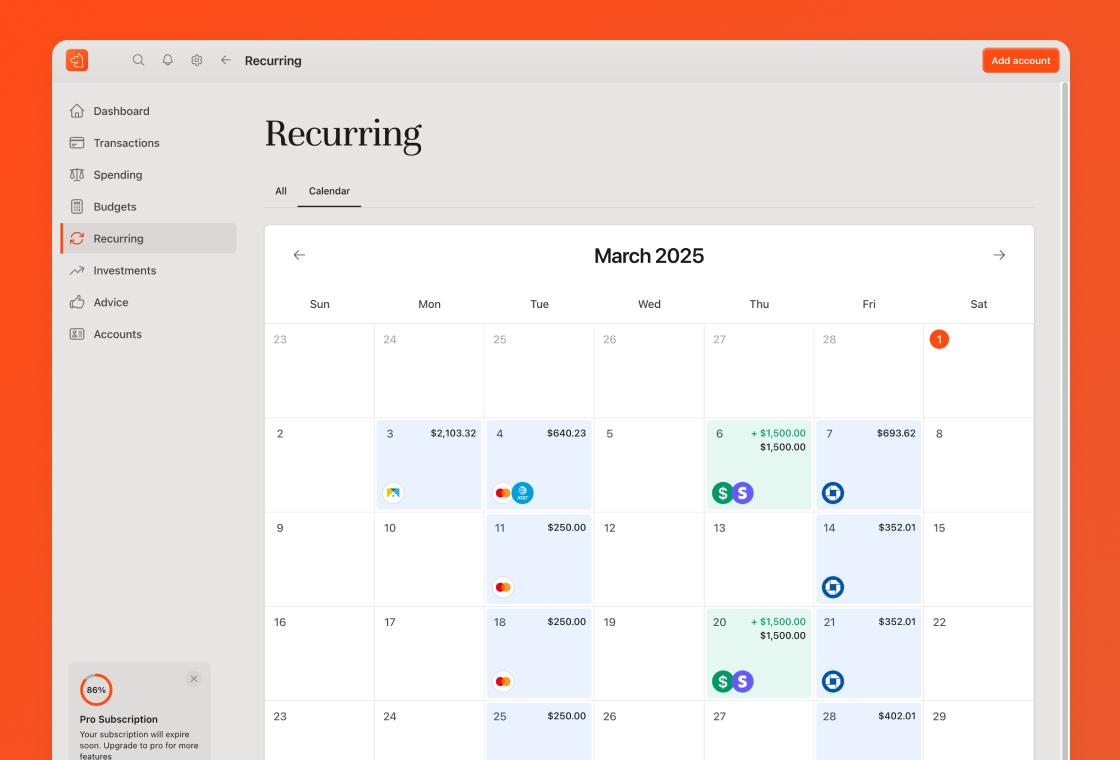
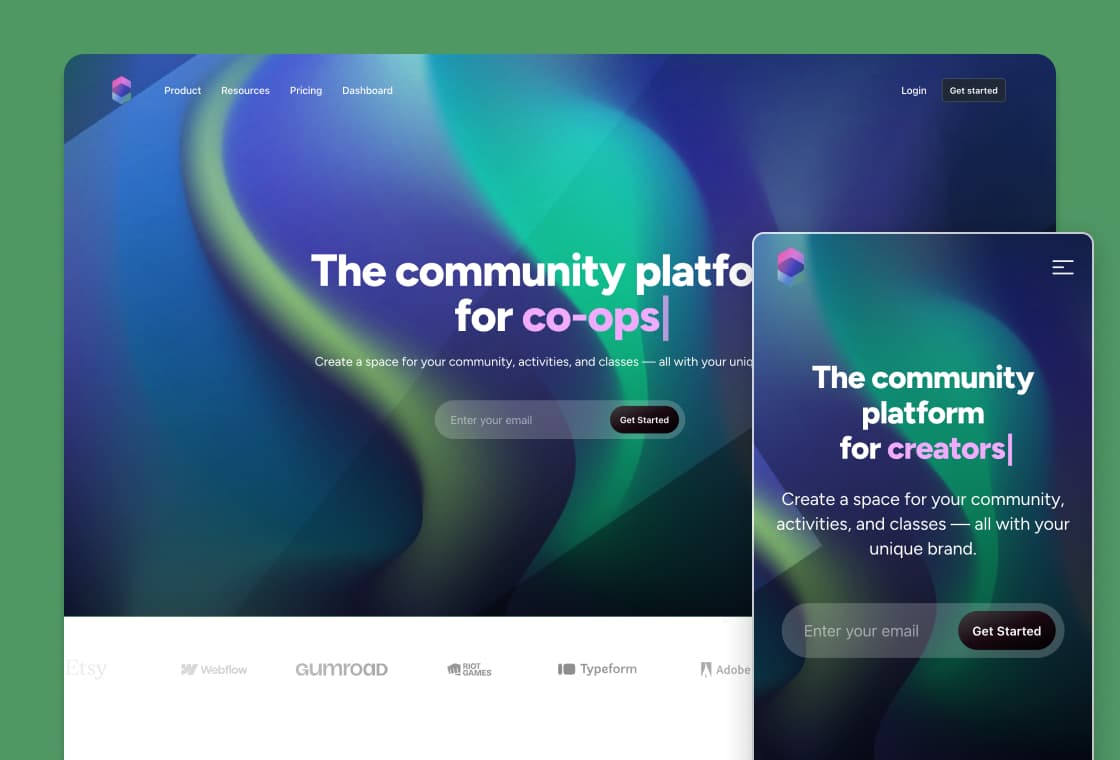
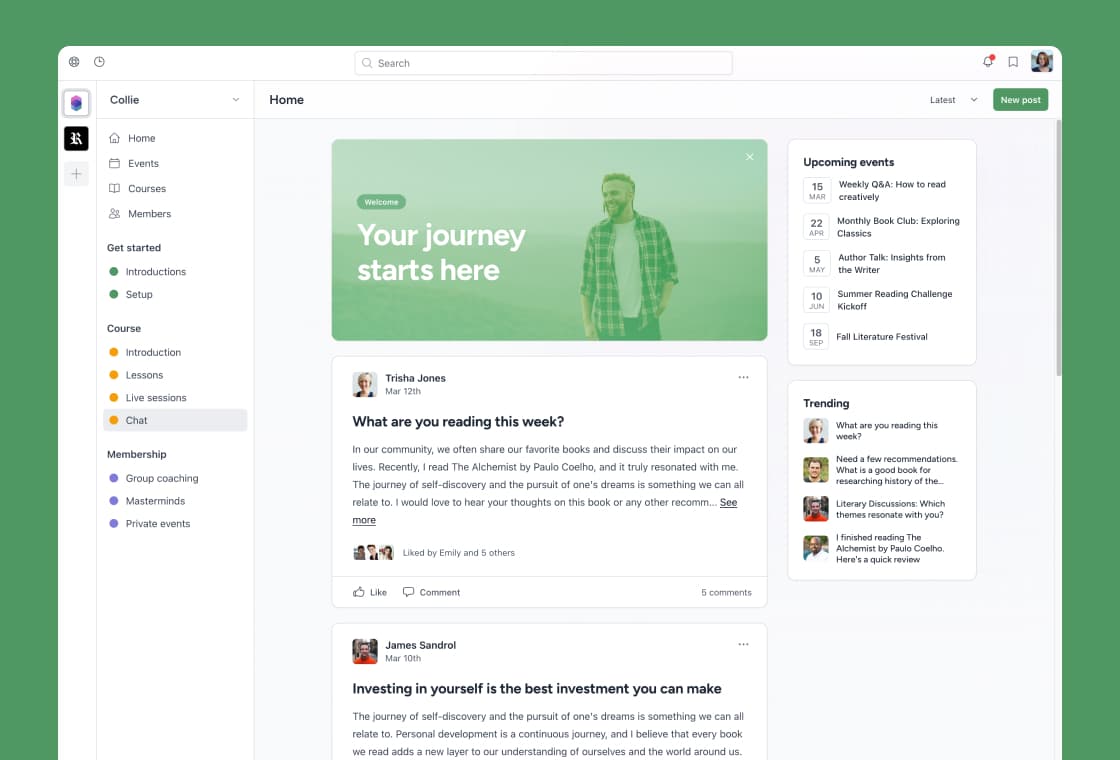
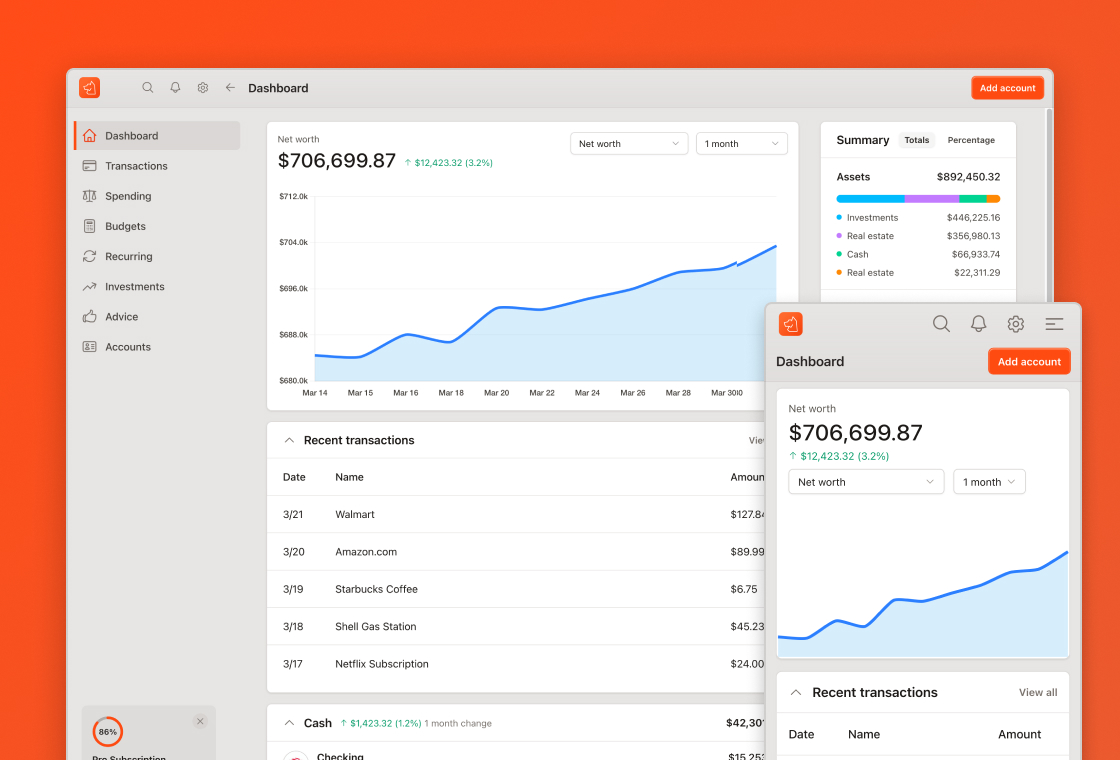
Complete, real product surfaces for a kind of SaaS (CRM, AI app, finance, and more), not snippets to assemble.
A Rails-native component library
Forms, navigation, dialogs, and more in clean ERB, wired to Stimulus and Hotwire.
A shared design system
Colors, type, spacing, and states already decided, so screen twenty matches screen one.
The unglamorous screens, built
Auth, settings, billing, and email, done well.
When you or your AI build on Rails UI, the output is consistent by default. The system carries the product judgment so the generated code does not have to.
AI-friendly
Use Rails UI with Cursor, Claude, and ChatGPT
Rails UI is plain ERB and Tailwind in your repo, which is exactly what coding assistants read best.
Starting fresh? Point your assistant at our llms.txt for a map of the whole library.
- Install a kit, then let your assistant extend it. It has real components and patterns to copy instead of inventing new ones.
- Point your tool at the Rails UI files in your project (or the docs) so its suggestions match your existing UI.
- Ask for new screens in the style of an existing Rails UI view, and the result stays consistent.
- Because it is your code, not a black box, the assistant can read, reuse, and refactor it freely.
AI and Rails UI are better together: the model moves fast, the system keeps it coherent.
Prompts to try
Copy these into your assistant once a kit is installed.
Add a settings page to this Rails app using the existing Rails UI components and form builder. Match the layout and spacing of app/views/<kit>/edit.html.erb.
Build an empty state and an error state for this index view using the Rails UI card and button components already in this project.
Create a billing page in the style of the Rails UI dashboard, reusing the existing partials and Tailwind classes.
Refactor this hand-written form to use the Rails UI form builder so it matches the rest of the app.
Generate a Stimulus controller for this Rails UI modal partial and wire it up with Hotwire.
Here is a Rails UI list component. Add three more items that follow the exact same markup and classes.
Give your AI a product to build in.
Start from a real Rails UI foundation and let your assistant move fast without losing the plot.