Retriever
PaaS and server management
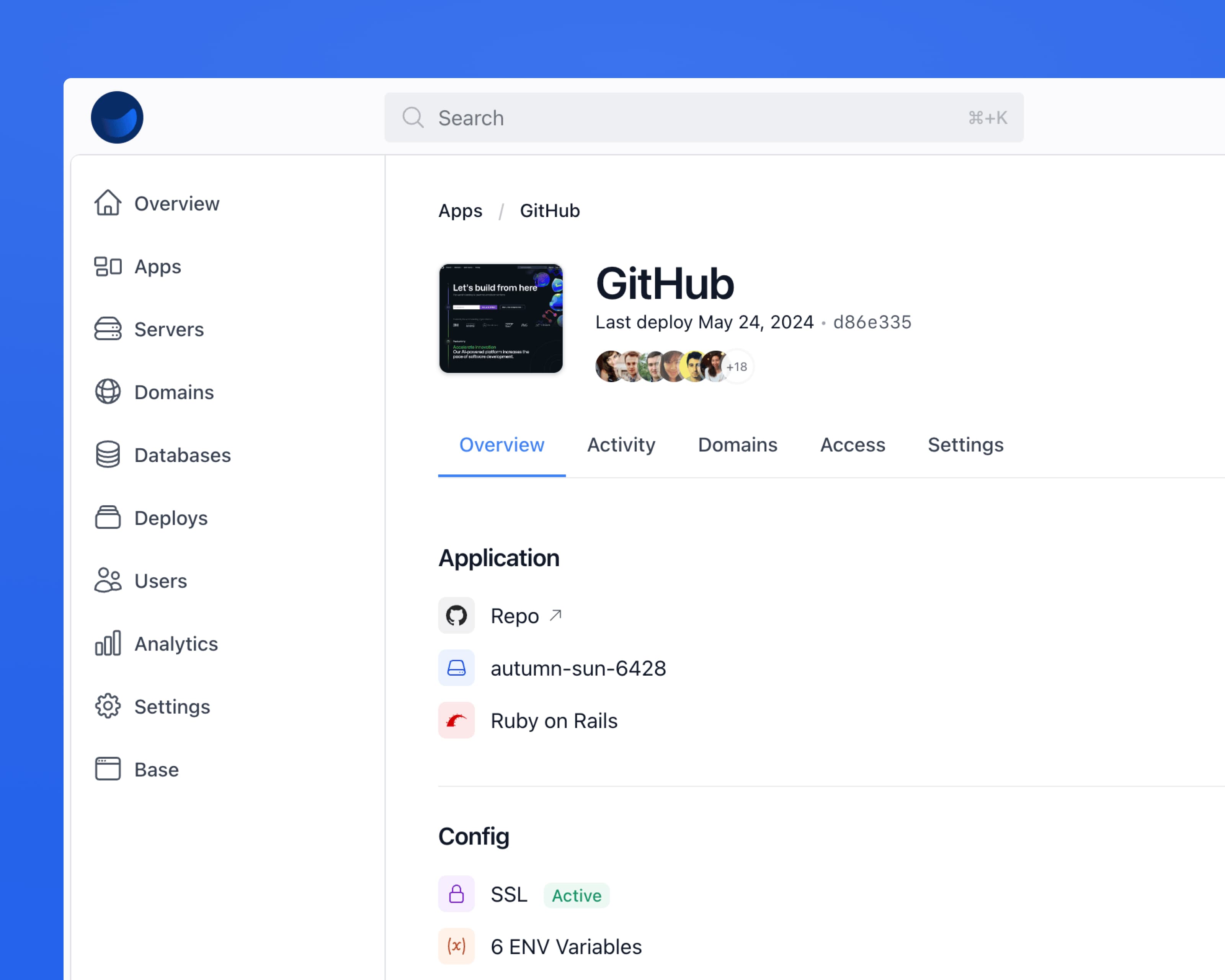
A PaaS and infrastructure dashboard surface for deploys, servers, databases, monitoring, auth, and billing. Wire it to your platform instead of designing admin screens from scratch.
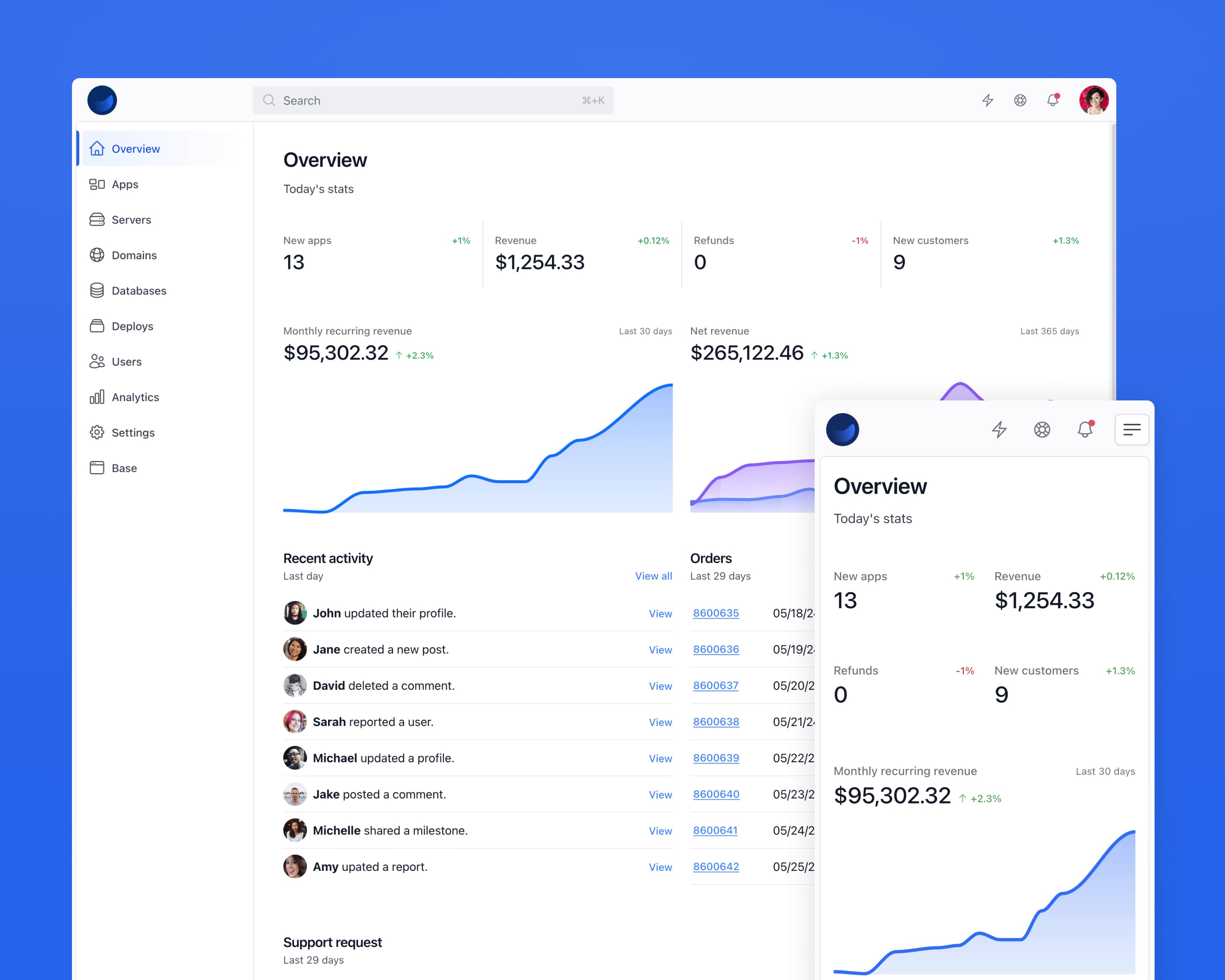
What you get
Individual contributors and teams can use Retriever to host, deploy, and manage their applications. It's built with Tailwind CSS, Stimulus.js, and Rails. Add or remove the included pages in one click. It's easy to customize, making it the perfect starting point for your next PaaS-like project.
Deeply integrated. Retriever lives and breathes within your Rails app. No need to jump to a remote website to copy and paste obscure code snippets.
Easy to customize. Everything is styled with Tailwind CSS utility classes. Some reusable patterns like buttons and form elements are extracted Tailwind CSS components.
Unique components. Retriever comes with kit-driven components that are designed to achieve a goal lead forth by the kit itself.
Fully responsive. We took great care to ensure the Retriever kit is responsive on popular device screen sizes. Even the email templates display nicely on smaller screens.
JavaScript included. We leverage Stimulus.js to enhance views with sprinkles of JavaScript where necessary. No need for bulky front-end frameworks that are a chore to maintain.
Simple to deploy. Being integrated to Rails by default, the Retriever kit is ready for your production environment with little configuration.
Dark mode ready. All components and pages are dark-mode enabled. Just drop them into your project, and they’ll perform perfectly, regardless of the system setting.
Page previews
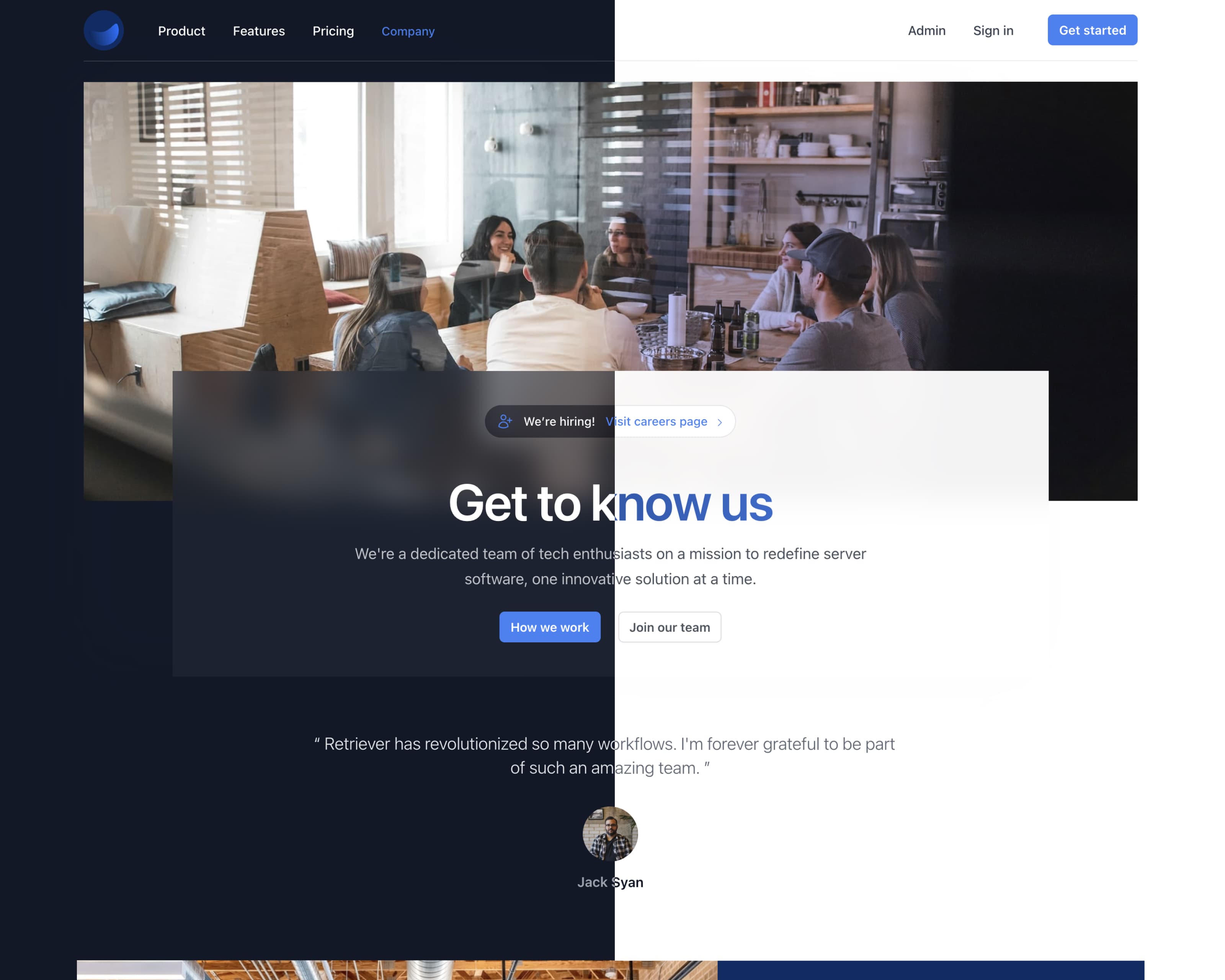
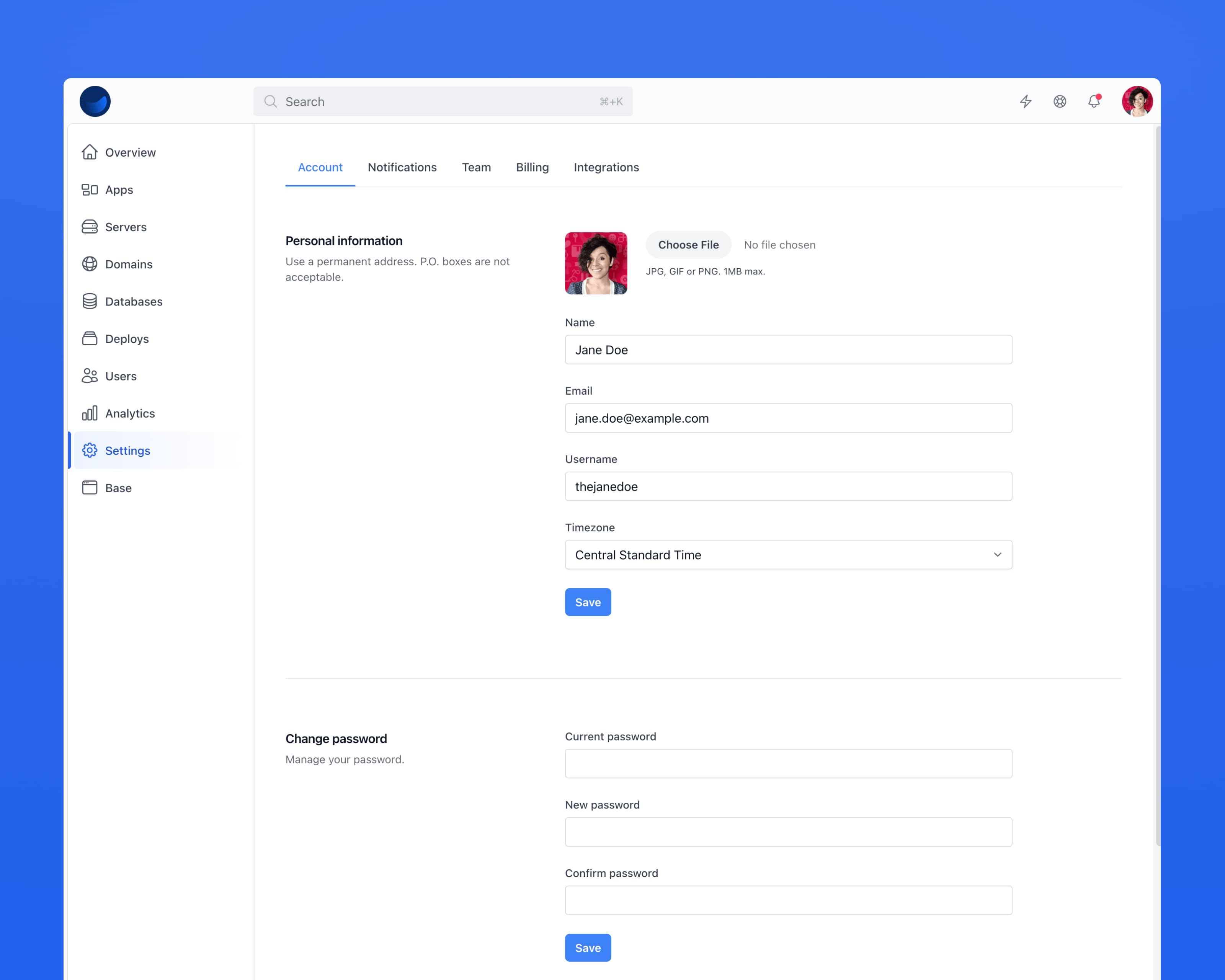
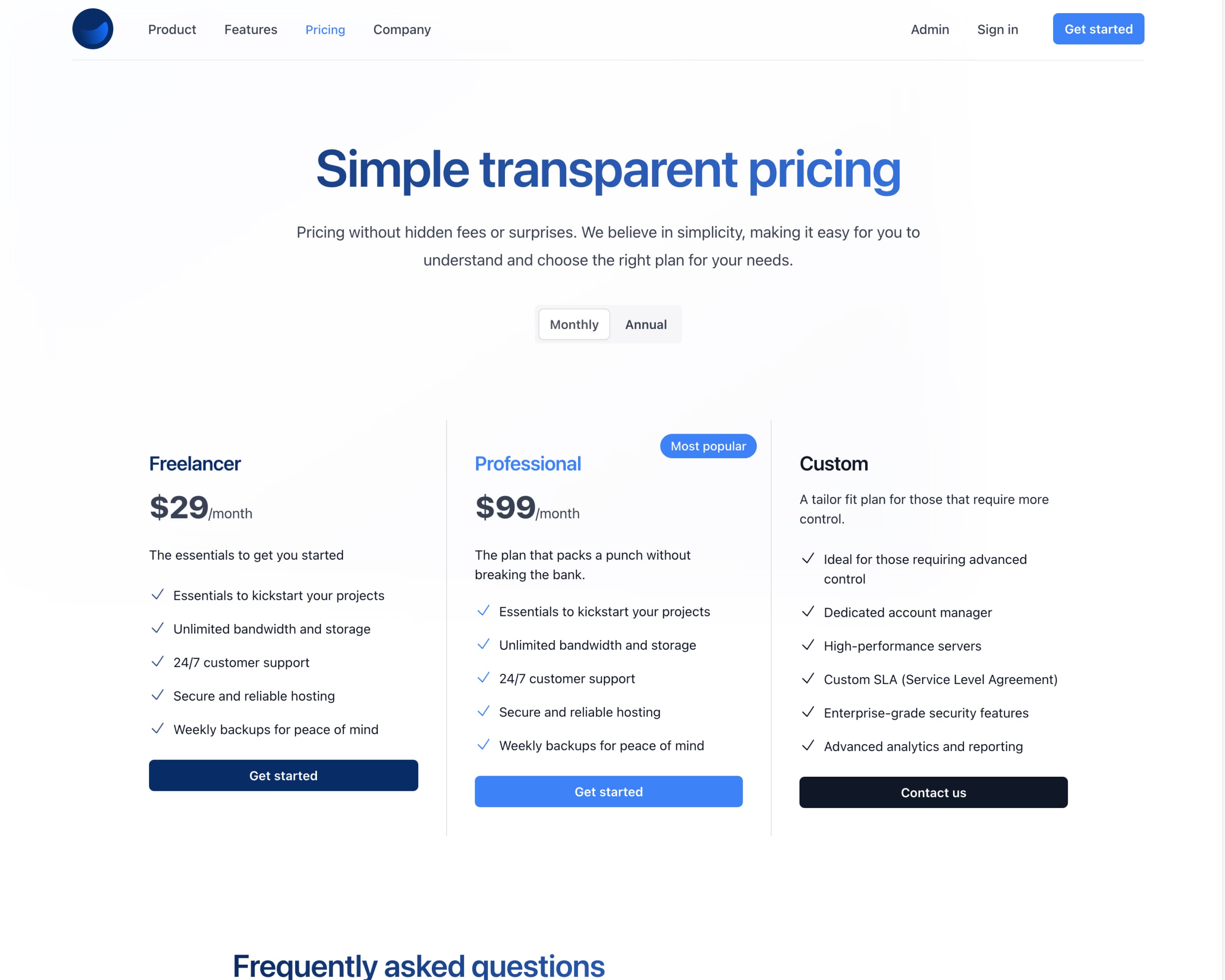
Component previews
- Accordion
- Alert
- Badge
- Button
- Card
- Dropdown
- Modal
- Switch
How do I import contacts from a CSV file?
Can I customize my deal pipeline stages?
How do automated follow-up reminders work?
There was 1 error trying to process your request.
- Your name must be as cool as Andy.

Time to launch
Are you sure you're ready to take your application live?
Perfect for
Retriever works great for these types of apps.
Under the hood
28+ pre-designed views
Pre-designed views ready for your logic, with more on the way.
Design patterns
Most patterns and components come with multiple variances.
Content
- Typography
- Tables
- Icon
- Image
- Scaffolds
Forms
- ActionText
- Checkbox
- Datepicker
- Datepicker Range
- Input Group
- Input
- Radio
- Select
- Switch
- Validation
Components
- Accordion
- Alert
- Avatar
- Badge
- Breadcrumb
- Button
- Card
- Datalist
- Dropdown
- Flash
- Modal
- Navigation
- Pagination
- Popover
- Tab
- Toast
- Tooltip
Authentication
Snippets ready for Devise or your own Auth strategy.
Views
- Sign up
- Sign in
- Change password
- Reset password
- Account confirmation
- Edit account
- Unlock account
Extensions
- OmniAuth UI
Mailers
A unique email layout with custom kits. More coming soon.
Templates
- Minimal
- Promotion
- Transactional
- Devise email kits
Branding
2 configurable brand colors including Tailwind CSS defaults.
Primary
- 50
- 100
- 200
- 300
- 400
- 500
- 600
- 700
- 800
- 900
- 950
Secondary
- 50
- 100
- 200
- 300
- 400
- 500
- 600
- 700
- 800
- 900
- 950
Software
Ruby on Rails
v8.1.1
Tailwind CSS
v4.1
Stimulus.js
v3.2.2
Gain premium access to the Retriever kit
Super-charge your Ruby on Rails development workflow with the Retriever Rails UI kit.