Build a SaaS Dashboard with Rails UI
Ship your SaaS faster with a professional dashboard UI. Analytics, user management, billing, and settings pages ready to customize.
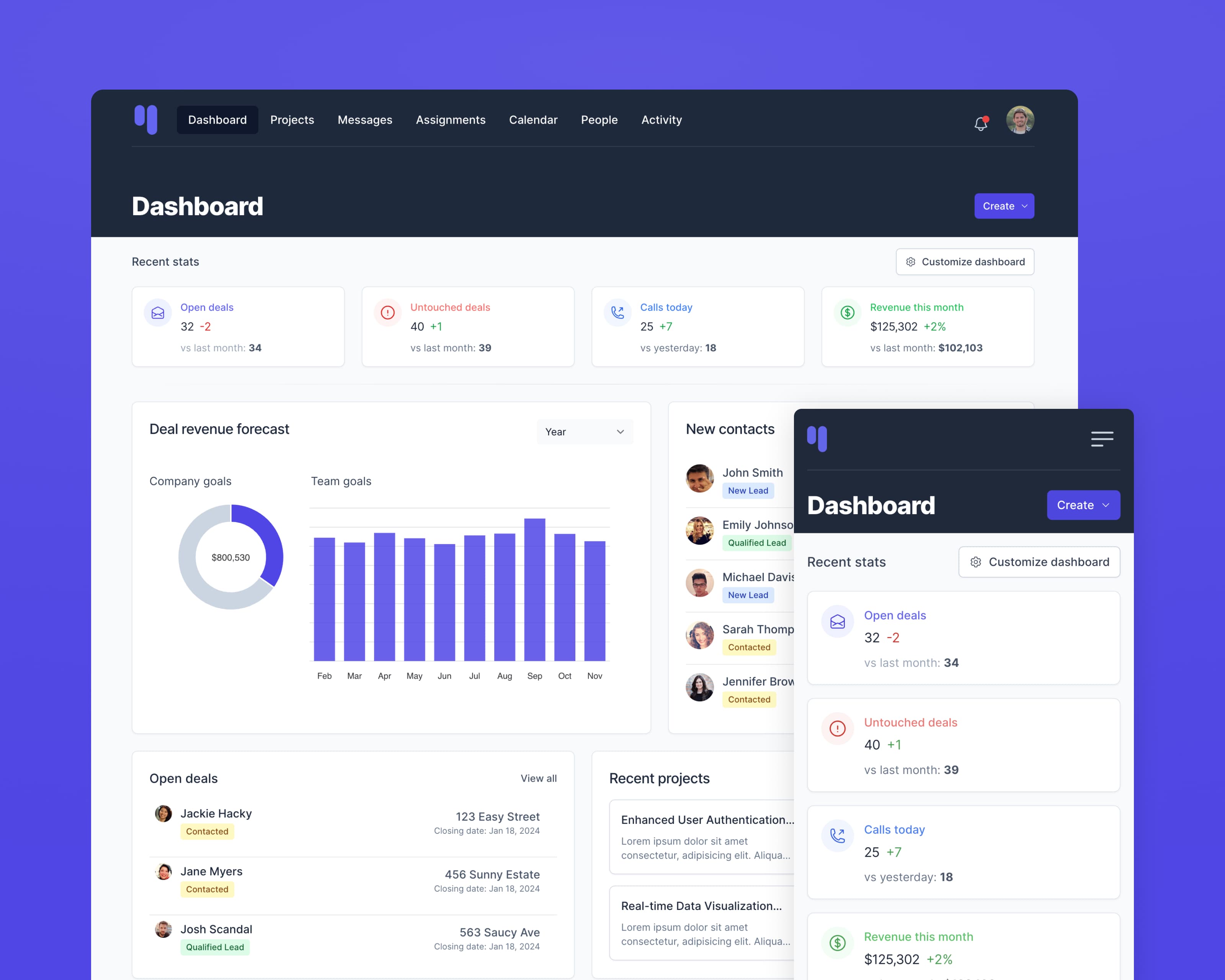
The challenge
Building a SaaS dashboard from scratch means designing dozens of interconnected screens: dashboards with metrics, user lists, settings panels, billing interfaces, and more. Getting the visual consistency right across all these views takes significant time and design expertise.
The Rails UI solution
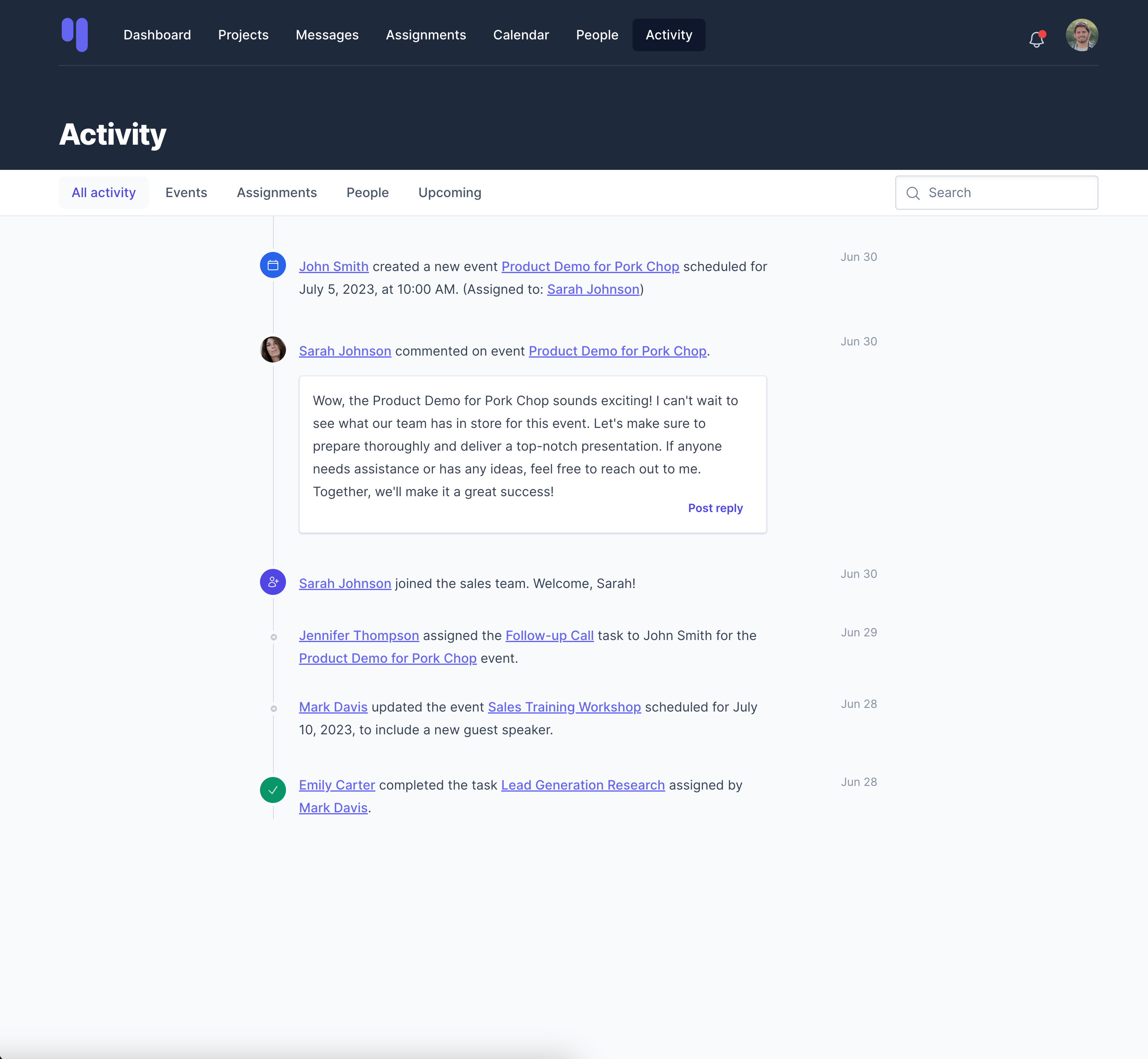
The Hound app kit gives you a complete SaaS dashboard starting point. Every common screen is already built: analytics dashboards, data tables, user management, account settings, and billing pages. You get a cohesive design system that works together from day one.
Page templates included
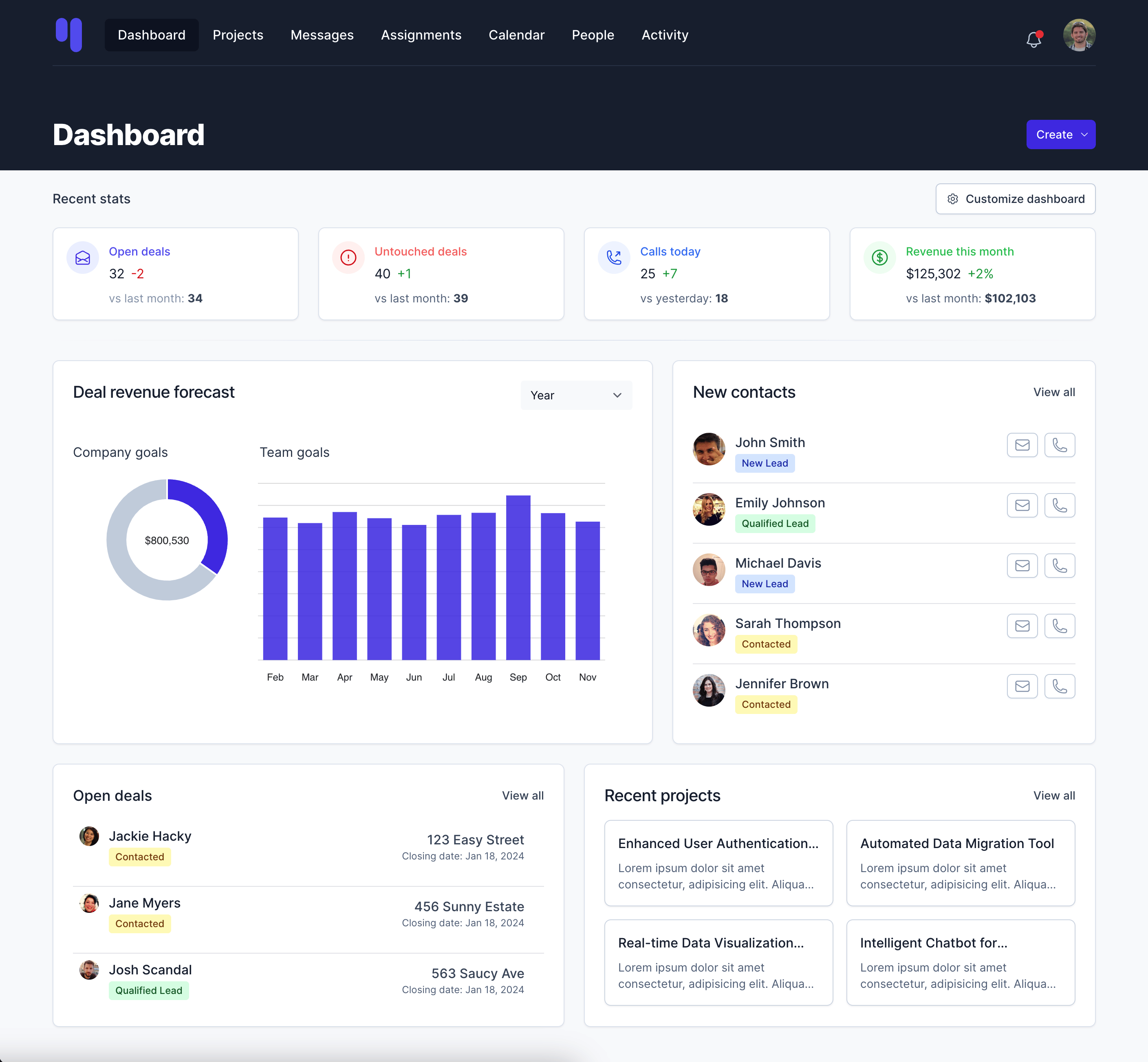
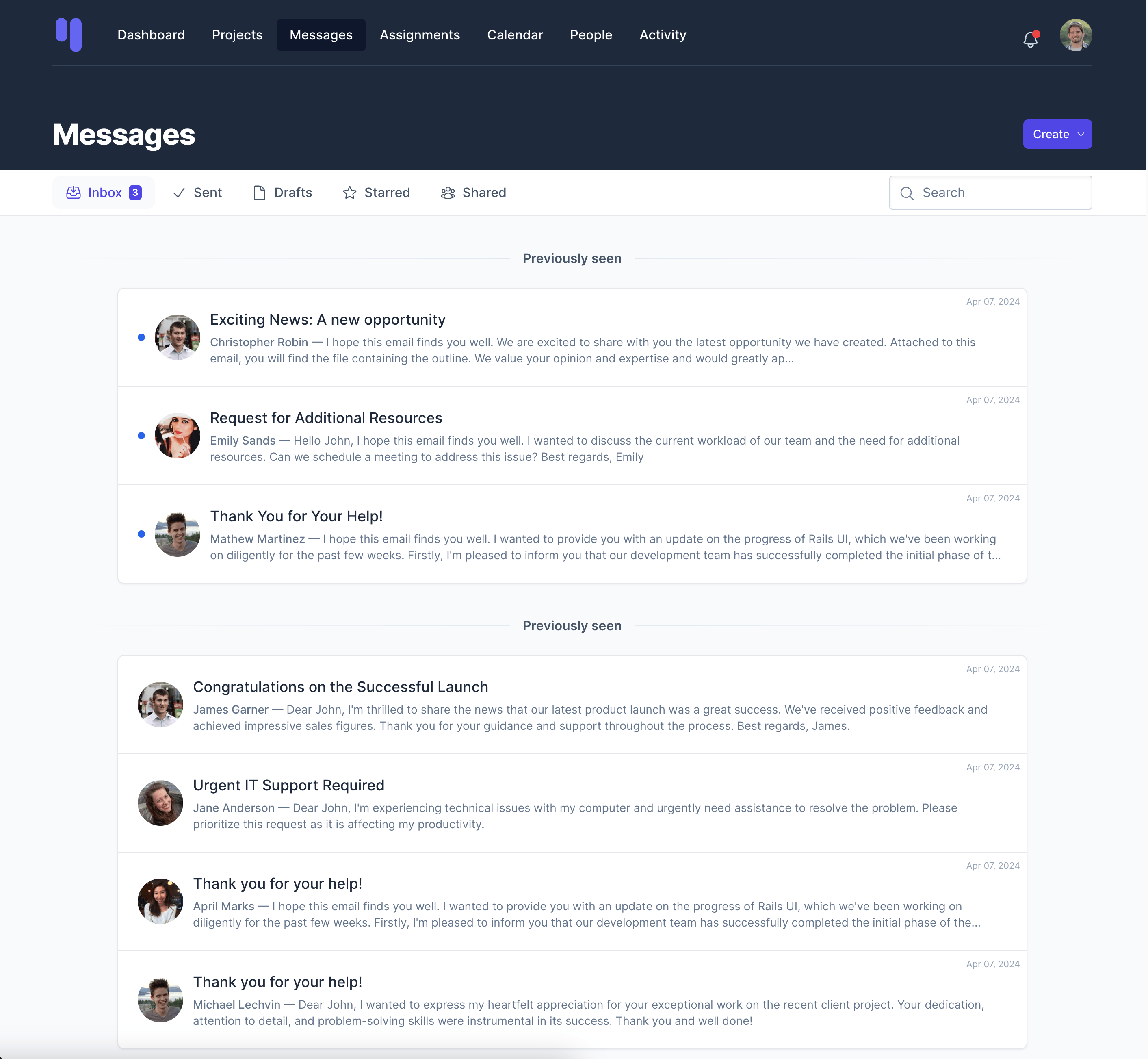
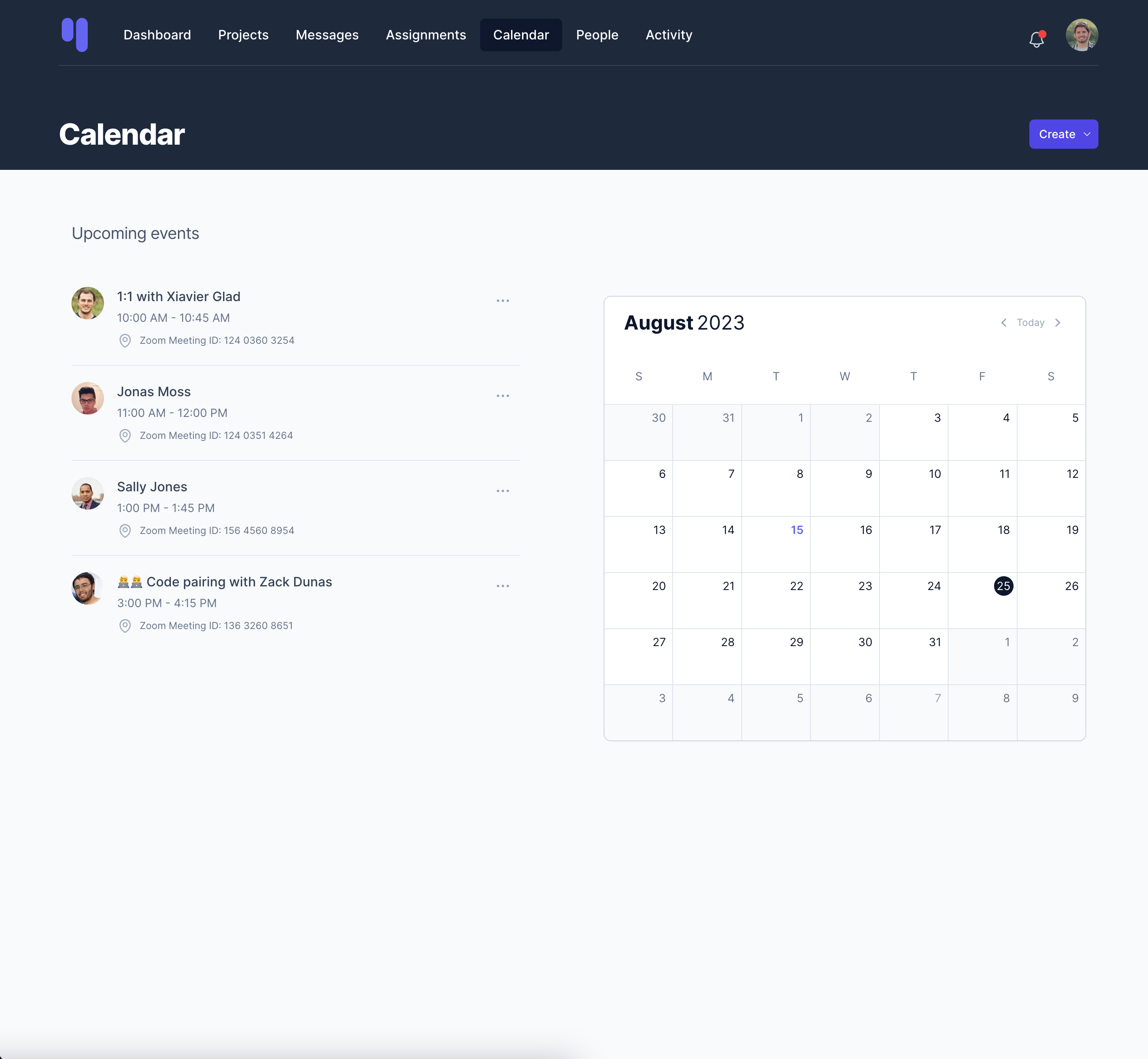
Key components for SaaS dashboards
Stats cards
Display key metrics like MRR, active users, and conversion rates with trend indicators.
Data tables
Sortable, filterable tables for users, subscriptions, and any resource you need to manage.
Navigation
Responsive sidebar and header navigation that works across desktop and mobile.
Forms
Styled form inputs with validation states, integrated with the Rails form builder.
Modals & dropdowns
Interactive overlays for confirmations, quick actions, and contextual menus.
Notifications
Toast messages, alerts, and notification centers for user feedback.
Recommended app kit: Hound
Hound was designed specifically for SaaS applications. It features a clean, professional aesthetic with a sidebar navigation pattern that scales well as your app grows.